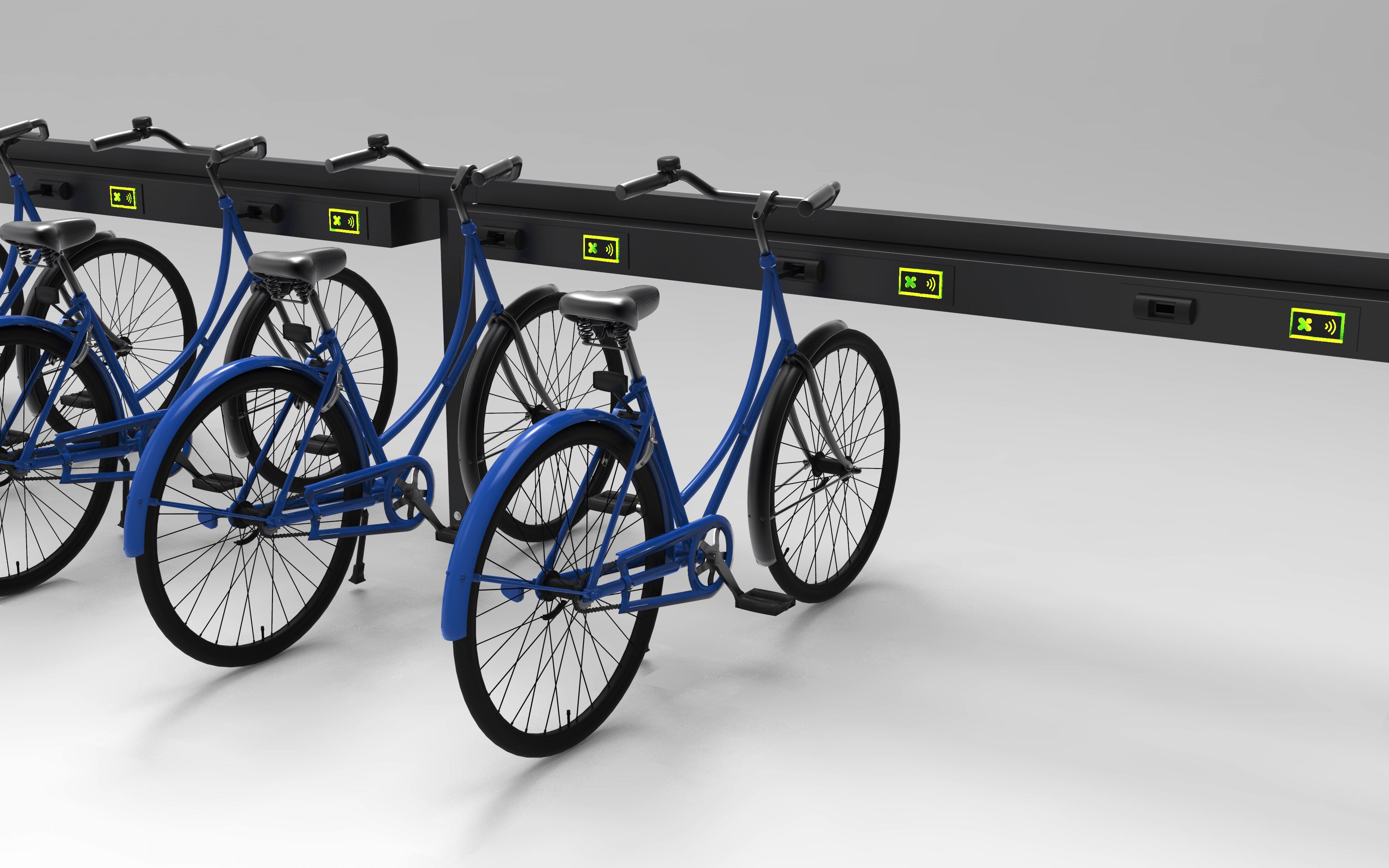
Select the bike
Select the bike from the station screen in the app or place your card on the green-lit reader next to the bike you want.
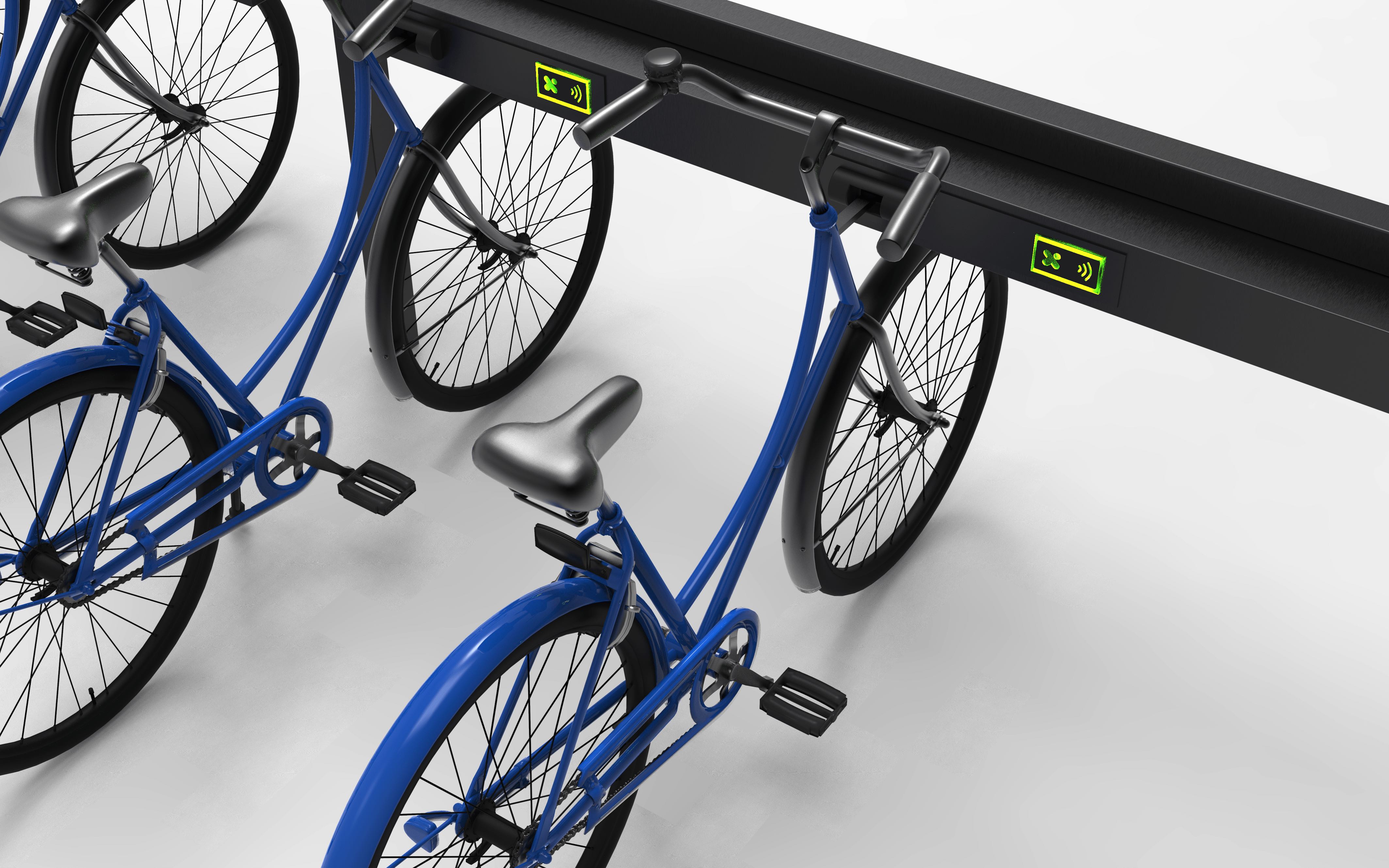
Wait for unlocking
Wait for the bike to unlock, indicated by the orange light.
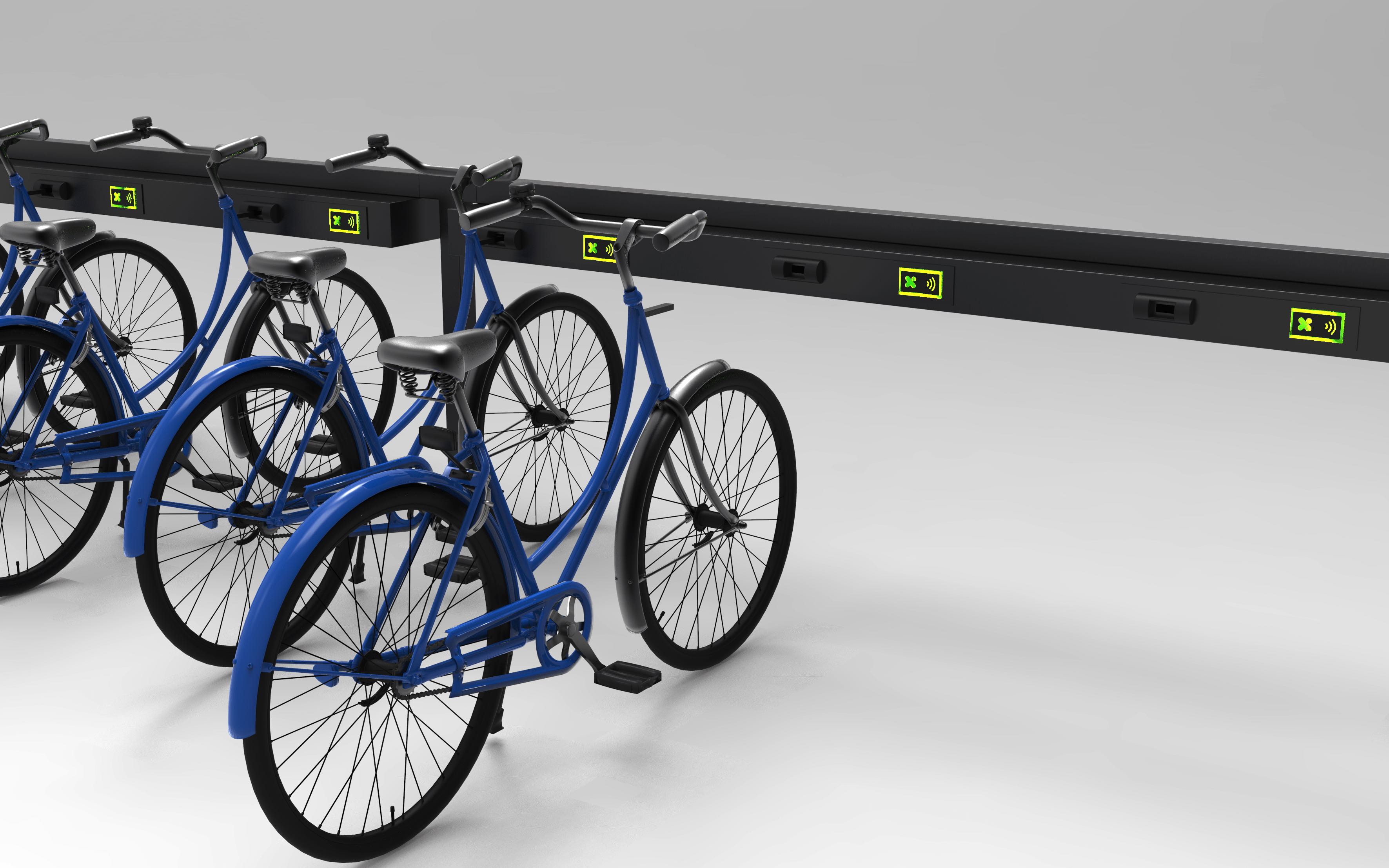
Take the bike
Push the bike forward and then pull it toward you
Enjoy your ride!
Problems with pedal assist?

Battery turned off with the switch
Make sure your e-bike has enough charge. You can check the battery status on the display. If pedal assist does not activate even though the battery is charged, try turning the bike off and on again. If problems persist, check the wiring and contact customer support if needed.

Pedal assist not active
Make sure your e-bike has enough charge. You can check the battery status on the display. If pedal assist does not activate even though the battery is charged, try turning the bike off and on again. If problems persist, check the wiring and contact customer support if needed.
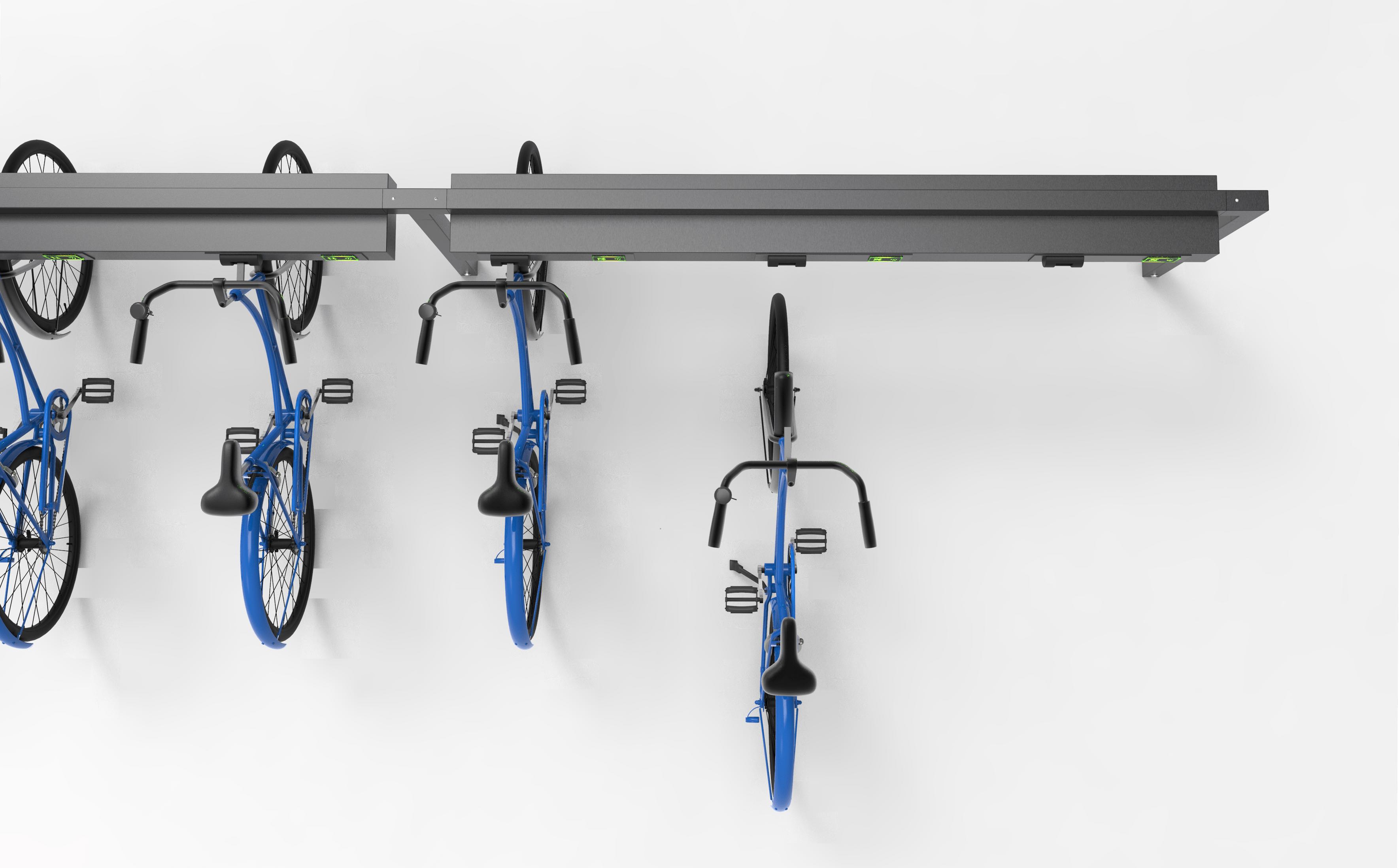
Move the bike close
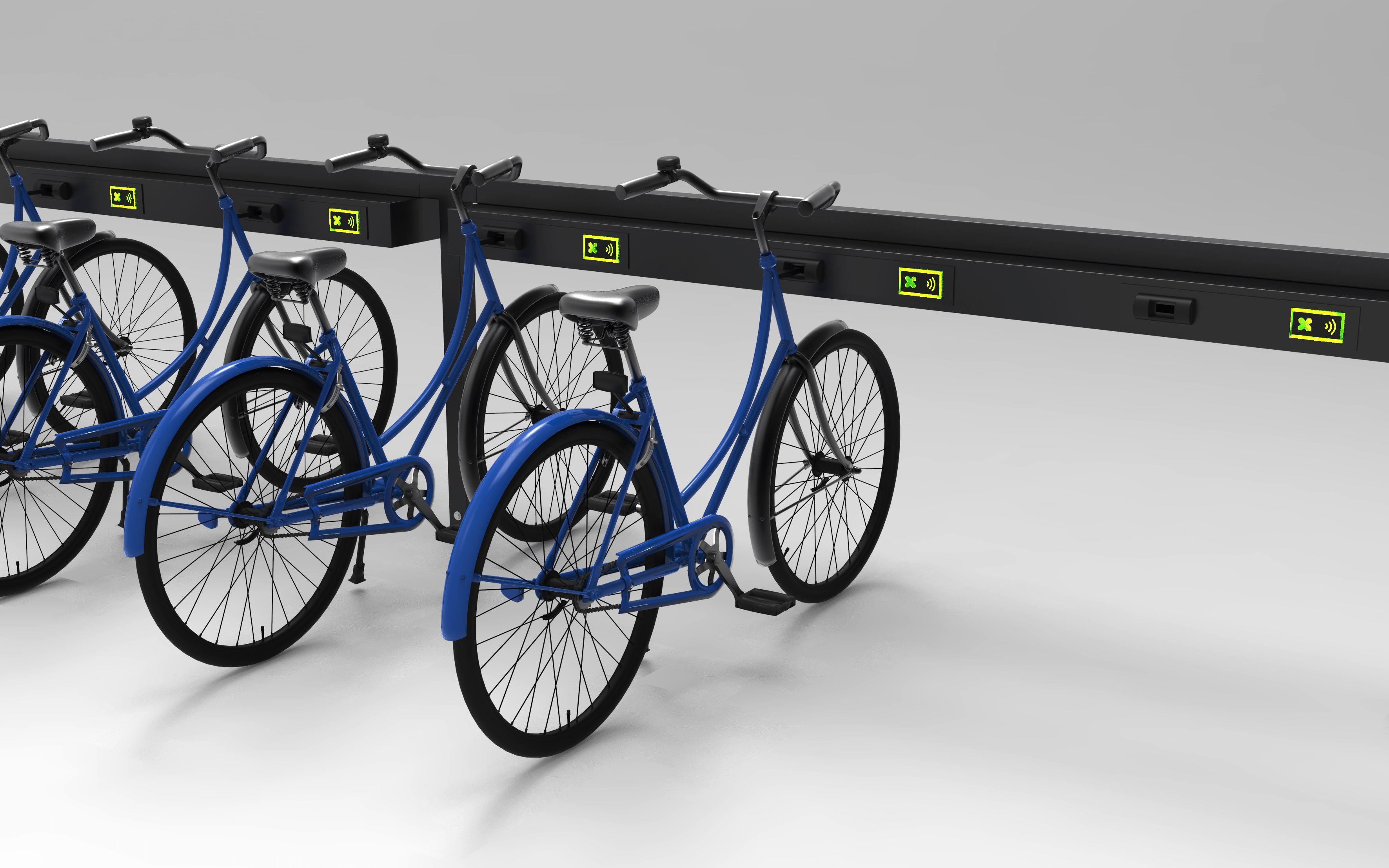
Move and align the bike with a free dock
Insert the bike
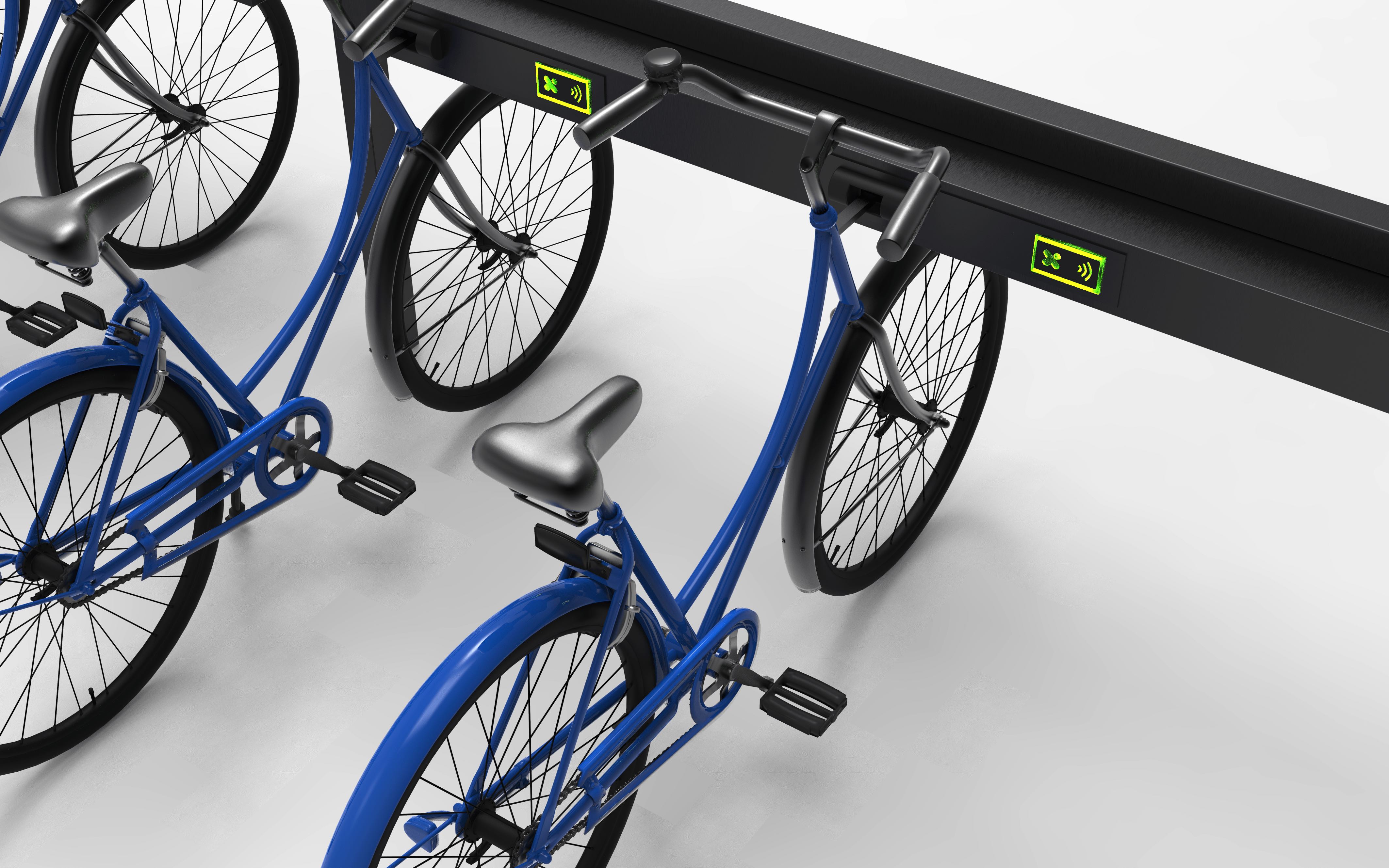
Carefully insert the bike into the green dock
Make sure
Make sure the bike is securely locked. See you on your next ride!